 NotchMuse
Bridging QQ Music to modern macOS
NotchMuse brings clean, native macOS presentation to QQ Music listeners. Instead of keeping a bulky player window or obstructive lyric strip over your workspace, keep synced lyrics tucked cleanly in the menu bar or near the MacBook notch.
Synchronized lyric engine
NotchMuse matches active tracks from public lyric sources and keeps lines aligned with playback progress—supporting word-timed lyrics when the lyric source provides them for smooth, natural reading.
Configuration guide for QQ Music macOS client
- Open the QQ Music Mac desktop app and start playing a song.
- Launch NotchMuse; it connects to QQ Music via macOS Now Playing playback controls with no manual LRC imports needed.
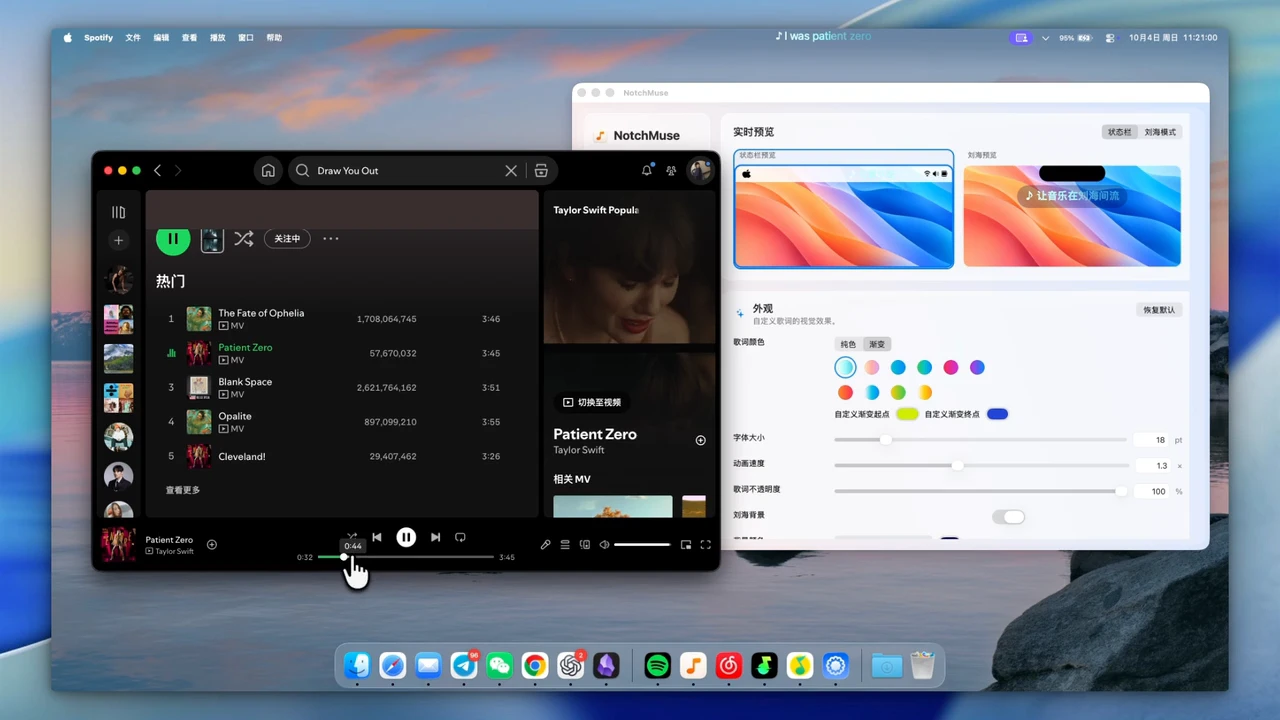
- Pick Status Bar Mode, Notch Mode, or Floating Mode and fine-tune width, opacity, and color presets.
Choosing between Notch, Menu Bar, and Floating display
Use Notch Mode on notched MacBooks to flank the camera housing, Status Bar Mode for a minimal single-line menu bar footprint on any display, or Floating Mode when you want a freely positioned click-through overlay above the Dock or on an external monitor.
Questions before you try it
Does NotchMuse work with the QQ Music Mac app?
Yes. NotchMuse works with the QQ Music Mac desktop app via macOS Now Playing playback controls.
How does NotchMuse impact Mac system performance?
NotchMuse is a lightweight native Swift/AppKit application designed to stay out of your way and run efficiently on Apple silicon.
Can I customize the lyric display layout?
Yes. NotchMuse lets you adjust display widths, color presets, opacity, animation speed, and switch between notch, status bar, and floating modes.
What happens when QQ Music plays a song without lyrics?
NotchMuse neatly falls back to displaying the song title and artist name without breaking layout or producing errors.
Installation and privacy
The public release requires macOS 14+ and Apple silicon; Intel is not supported. Direct downloads are ad-hoc signed, without Developer ID signing or Apple notarization, so first launch may show a security prompt. Read the installation steps.
The app needs no account and does not read or upload audio. Track metadata may be sent to third-party lyric providers. Website analytics is separate from the app; a download click does not confirm installation. Privacy and website analytics
Sources and further reading
Documentation reviewed November 21, 2026. Player interfaces and third-party services can change.